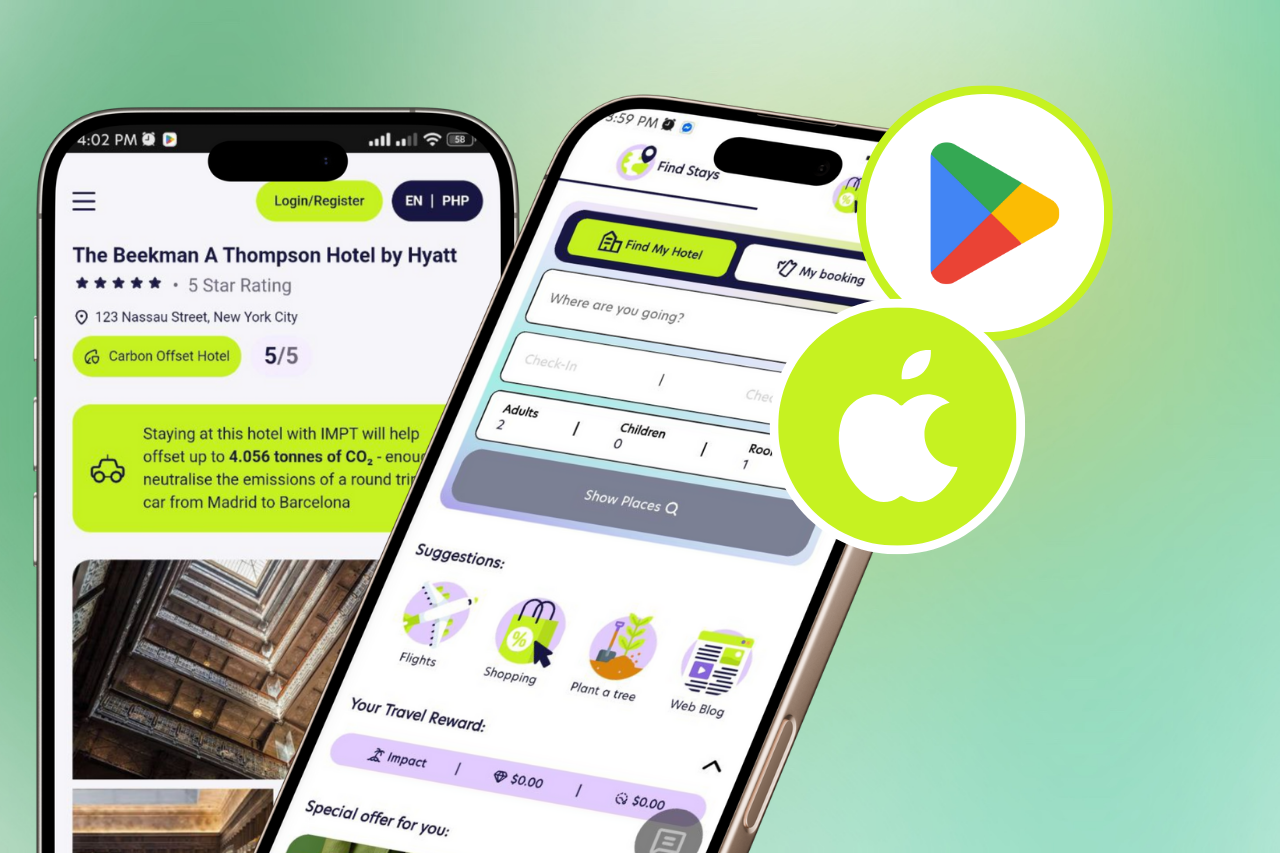
Why Embed Hotel Booking on Your Website?
Adding a hotel booking engine to your website transforms passive readers into revenue-generating customers. Rather than linking visitors away to Booking.com or Expedia — where they may never return — an embedded hotel search keeps them engaged on your page, captures their booking intent in the moment, and earns you a commission every time they confirm a stay.
For travel bloggers, destination guides, local tourism websites, and digital creators, an embedded hotel booking tool is the highest-converting affiliate product available. Interactive booking widgets consistently outperform text links and banner ads because they deliver immediate value: the visitor finds a hotel right there on your page.
What You Need Before You Start
To embed hotel booking on your website, you need three things: a website where you can edit the HTML (this includes WordPress, Wix, Squarespace, Webflow, and any custom site), a free partner key from IMPT (takes 60 seconds to obtain), and two minutes of your time. No coding experience is required. No contract or credit card is needed.
Step-by-Step: How to Embed Hotel Booking With the IMPT Widget
Step 1 — Get your free partner key
Visit swarm.impt.io/widget and click ‘Get a partner key.’ Select your preferred payout method (Wise, PayPal, Stripe, IMPT debit card, or IMPT token), submit your details, and receive your unique partner key instantly. Approval is fully automated — no waiting for a human review.
Step 2 — Copy the embed code
Your partner key unlocks a personalised embed snippet. The code consists of two elements: a script tag that loads the widget JavaScript from swarm.impt.io, and an empty div with the ID ‘impt-swarm’ that tells the script where to render the search form.
Step 3 — Paste the code on your website
Navigate to the page or template where you want the hotel search to appear. Open the HTML editor and paste the two lines anywhere in the body. On WordPress, use the Custom HTML block in Gutenberg. On Wix, use the Embed HTML element. On Squarespace, use the Code Block. On any custom site, paste directly into the HTML file.
Step 4 — Test the embed
Reload your page. The IMPT hotel search form should appear immediately, showing a destination input and a Search Hotels button. Type a city name to verify the widget queries live hotel inventory and redirects correctly to the IMPT booking page with your partner attribution in the URL parameters.
Step 5 — Monitor your earnings
Log into your IMPT partner dashboard to track clicks, booking intents, confirmed stays, and commission accruals. Payouts are processed monthly with no minimum threshold.
Embedding Hotel Booking on Specific Platforms
WordPress
In the Gutenberg editor, add a Custom HTML block to any page or post. Paste the two IMPT code lines inside the block. Alternatively, install the IMPT WordPress plugin from swarm.impt.io/wp, which handles the embed automatically via a widget or shortcode — no code editing required.
Wix
In the Wix Editor, click Add > Embed > Custom Embed > Embed HTML. Paste the IMPT code into the HTML editor panel. Resize and position the element as needed. The widget is responsive and adapts to the container width.
Squarespace
In the Squarespace page editor, add a Code Block from the block library. Ensure the block type is set to HTML (not Markdown). Paste the IMPT embed code and save. The widget renders in preview and live mode.
Any custom HTML site
Add the script tag in the head or just before the closing body tag. Place the impt-swarm div wherever you want the search form to appear. The widget is 8.7 KB gzipped and loads asynchronously, so it will not slow your page.
How Attribution Works When You Embed Hotel Booking
When a visitor uses your embedded hotel search, the IMPT widget creates a booking intent (called an ‘iid’) linked to your partner key, the visitor’s destination, and the channel (web embed). When the visitor completes a booking on the IMPT platform, a Stripe webhook matches the confirmed payment back to your iid. Your 5% commission is credited to your ledger and paid out monthly. The 90-day cookie ensures you receive credit even if the visitor books weeks after their initial search on your site.
Frequently Asked Questions
Does embedding hotel booking slow down my website?
No. The IMPT widget is 8.7 KB gzipped and loads asynchronously using the ‘async’ attribute on the script tag. It will not block page rendering or affect your Core Web Vitals score.
Can I embed hotel booking on multiple pages?
Yes. The same partner key and embed code can be placed on as many pages and domains as you like. All bookings attribute back to your single account.
What happens if a visitor searches but books later?
The 90-day cookie retains your attribution. If the visitor books within 90 days of their initial search via your widget, you receive the full 5% commission.
Is the embed code safe to use on any website?
Yes. The IMPT widget is MIT open-source — the full source code is publicly available on GitHub. It collects no PII, tracks only anonymised booking intent events, and is GDPR-compliant.
Do I need to declare the affiliate embed to visitors?
Best practice (and legal requirement in most jurisdictions) is to disclose affiliate relationships to visitors. A simple note such as ‘We earn a commission if you book via our hotel search’ is sufficient.
Embed Hotel Booking — Start Now
Visit swarm.impt.io/widget to get your partner key and embed code in 60 seconds. The IMPT hotel booking widget is free, open-source, and backed by 8 million hotels in 195 countries. Every booking earns you 5% commission and offsets 1 tonne of CO₂ — at no cost to you or your visitors.
Keep Reading / Similar Blogs
- Travel Blog Monetisation: 7 Ways to Earn — Including Without Spending a Penny
- Shopify Hotel Widget: Add Hotel Booking to Your Shopify Store in 60 Seconds
- Wix Travel Widget: Add Hotel Booking to Your Wix Site Without Coding
- Squarespace Booking Embed: Add Hotel Search to Your Squarespace Site
- Hotel Booking API Free: Build a Travel Product Without a Budget in 2026
- Hotel iFrame Embed Code: The Simplest Way to Add Booking to Any Page
- Travel Widget JavaScript: One Script Tag, 36 Channels, 5% Commission
- Hotel Search API: Compare Options and Start Building for Free in 2026
- White Label Travel API: Build a Branded Booking Product in 2026
- NGO Carbon Offset Widget: Add Climate Credibility to Your Charity Website
- Corporate Sustainability Widget: Show ESG Progress on Your Company Website
- Carbon Offset Widget for Your Website: Add Climate Action in 60 Seconds
- Climate Widget for Website: Show Visitors You Mean It on Sustainability
- Carbon Neutral Booking Widget: What It Is, How It Works, and Why It Matters
- Eco-Friendly Travel Widget: Make Every Hotel Booking Climate-Positive in 2026
- Sustainability Widget for Website: The Most Impactful Green Upgrade in 2026
- How to Embed a Carbon Calculator on Your Website (No Code Required)
- Best WordPress Hotel Booking Plugin for Affiliate Revenue in 2026
- WordPress Travel Widget: Add Live Hotel Search to Any WordPress Site
- Hotel Referral Widget: Turn Your Audience Into a Hotel Booking Revenue Stream
- How to Earn Commission on Hotel Bookings Without a Travel Agency
- Hotel Booking Widget: Add Live Hotel Search to Any Website in 60 Seconds
- Best Travel Booking Widget for Your Website in 2026 (Full Comparison)
- White Label Hotel Widget: Launch a Branded Booking Tool Without Building Anything
- Embeddable Hotel Search: Turn Any Page Into a Booking Engine
- Hotel Widget for Website: The Easiest Way to Add Travel Bookings in 2026
- Best Travel Affiliate Widget: Earn Commission on Every Hotel Stay in 2026
- Hotel Affiliate Program Compared: Which Pays the Most in 2026?
- Best Hotel Affiliate Programs in 2026: Ranked by Commission and Cookie